
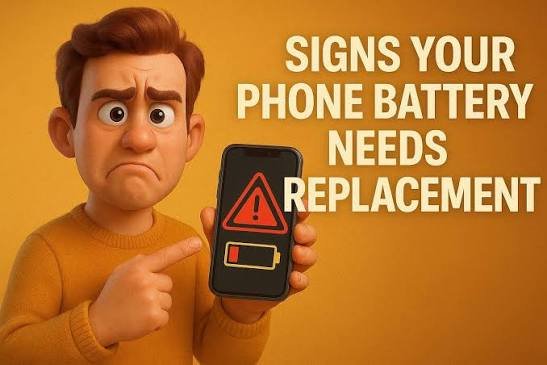
A weak phone battery can cause sudden shutdowns, slow charging, overheating, and poor performance. Learn the most common warning signs and when professional battery replacement may be the safer choice.
Is Your Phone Battery Trying to Warn You?
Battery problems often begin with small, easy-to-miss changes.
Your phone battery naturally loses capacity over time. At first, you may only notice that it needs charging more often. Later, the phone may become unreliable, overheat, or shut down unexpectedly.Recognizing the warning signs early can help you protect your device and avoid being left without a working phone when you need it most.
1. The Battery Drains Much Faster
A noticeable drop in daily battery life is often the first sign.
If a full charge used to last all day but now lasts only a few hours under similar use, the battery may have lost a significant part of its original capacity.Before replacing it, check for power-hungry apps, high screen brightness, weak network signal, and recent software changes.
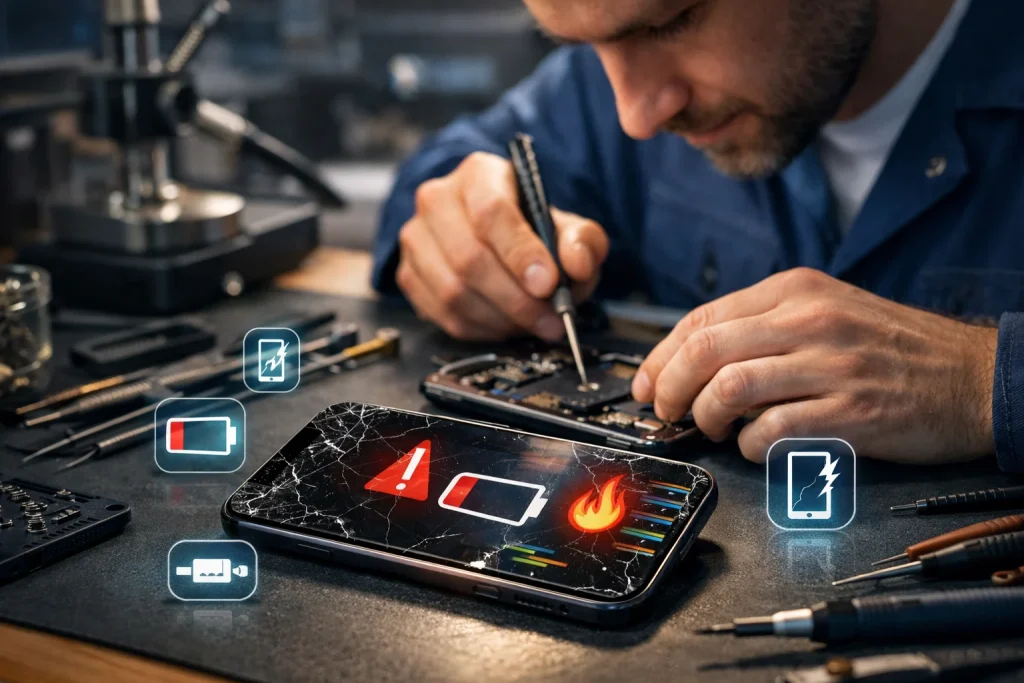
Upload a battery diagnostics or technician inspection image.
2. Unexpected Shutdowns
A phone that switches off while showing remaining charge may not be receiving stable power from the battery.
3. Slow or Inconsistent Charging
If charging becomes unusually slow, stops and starts, or the percentage jumps suddenly, test a trusted cable and adapter. If the issue continues, the battery or charging system should be inspected.
4. Excessive Heat
Some warmth during charging or gaming is normal. Frequent overheating during light use or while idle can indicate battery stress and should not be ignored.
Three More Signs—and What to Do Next
Physical changes require immediate attention.
5. Swelling or screen separation: Stop using the phone if the back panel lifts, the screen separates, or the device changes shape. Do not press, puncture, or continue charging a swollen battery.6. Battery percentage behaves strangely: Sudden jumps, rapid drops, or a percentage that remains stuck may indicate inaccurate battery reporting or deterioration.7. Performance drops when charge is low: Some devices reduce performance to remain stable when an aging battery cannot provide enough power.Back up important data and arrange a professional inspection. A technician can test the battery and charging components before recommending replacement. Use a compatible, quality replacement battery and follow safe handling practices.
Book a Battery Check
FAQs
Many lithium-ion phone batteries show noticeable wear after roughly two to three years, although charging habits, heat, usage, and device design can make the useful life shorter or longer.
Yes. Some phones may reduce performance when an aging battery cannot provide stable peak power. Software, storage, and background apps can also cause slowness, so the device should be checked before replacing the battery.
No. Stop using and charging the device, keep it away from heat and flammable materials, and take it to a qualified repair professional. Do not press, bend, or puncture the battery.
Battery replacement normally does not erase data, but every repair carries some risk. Back up photos, contacts, and important files before handing over the device.
Test a known-good compatible cable and adapter first when charging is slow or inconsistent. If the problem continues, a technician can inspect the battery, charging port, and related components.